FREE NEXT DAY SHIPPING for a limited time only

Top trending products available in SA today

↓ 33%

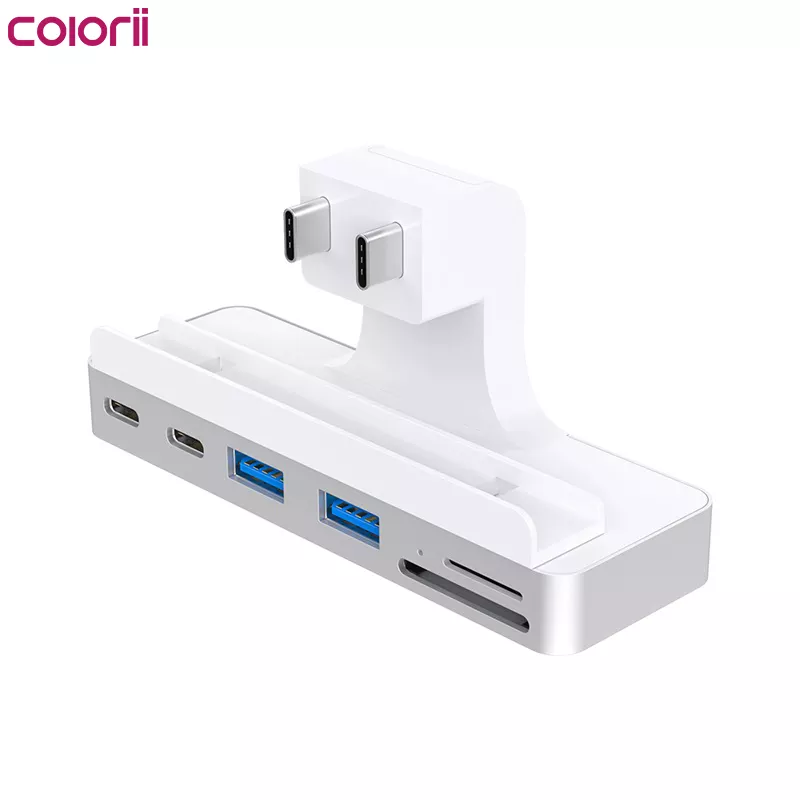
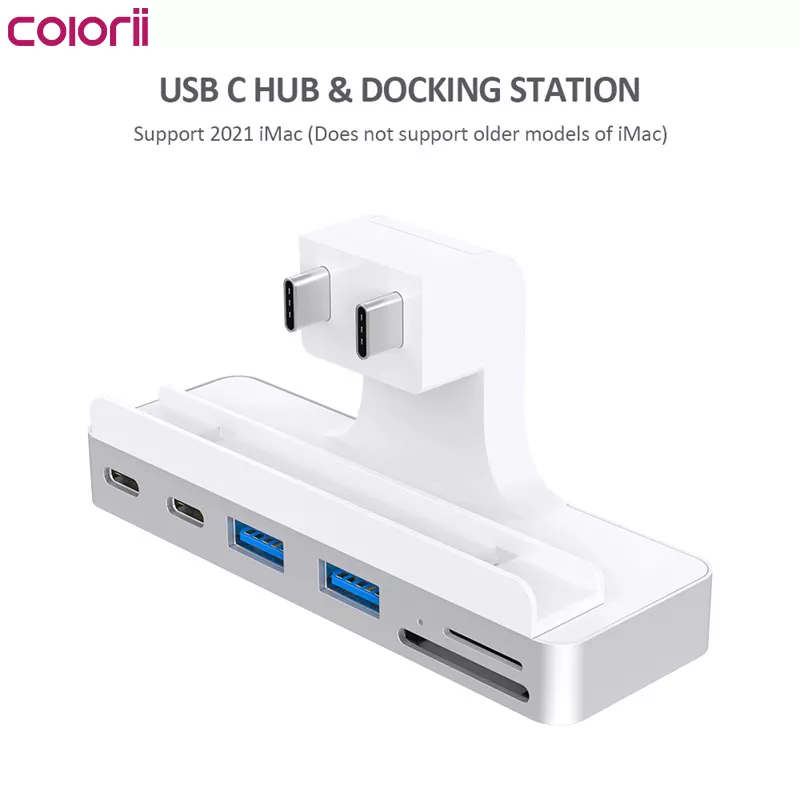
iMac 2021 M1 USB type C Hub with HDMI 4K port

R800

The sale of each product provides food & shelter for a homeless South African for 5 days as part of our Homeless Shelter Program

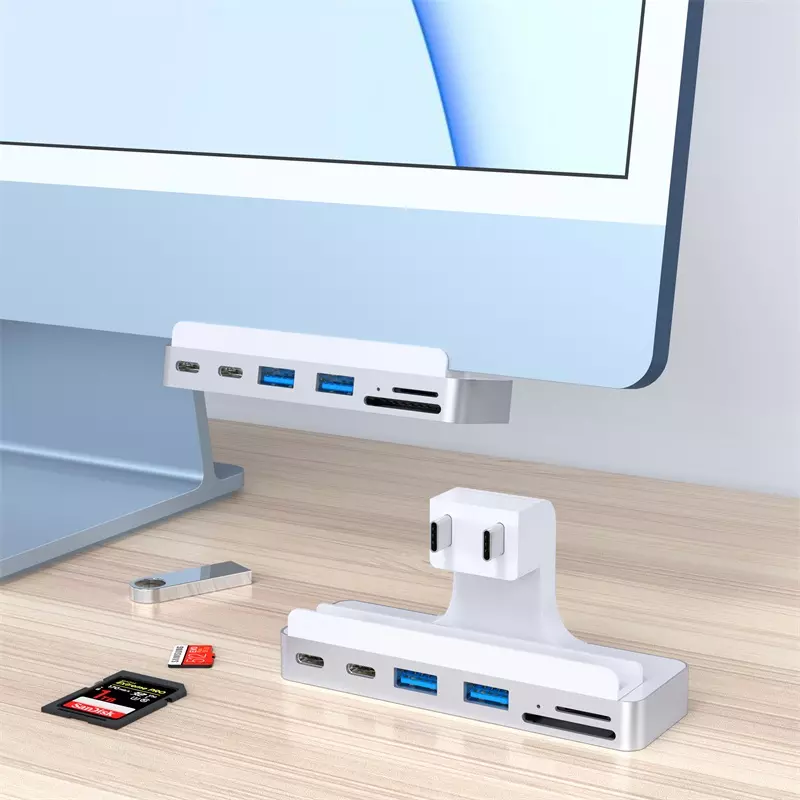
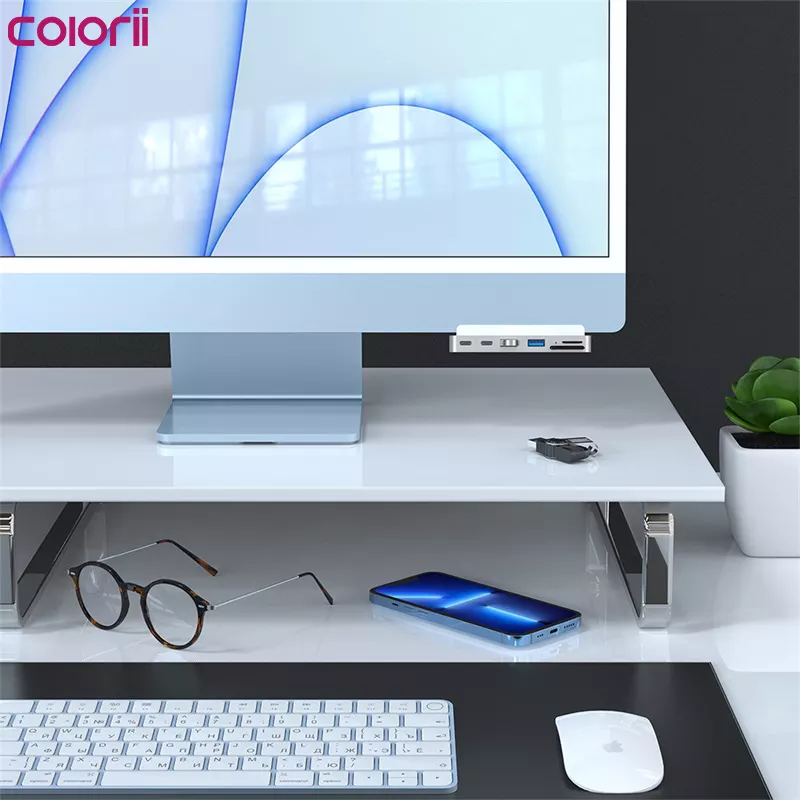
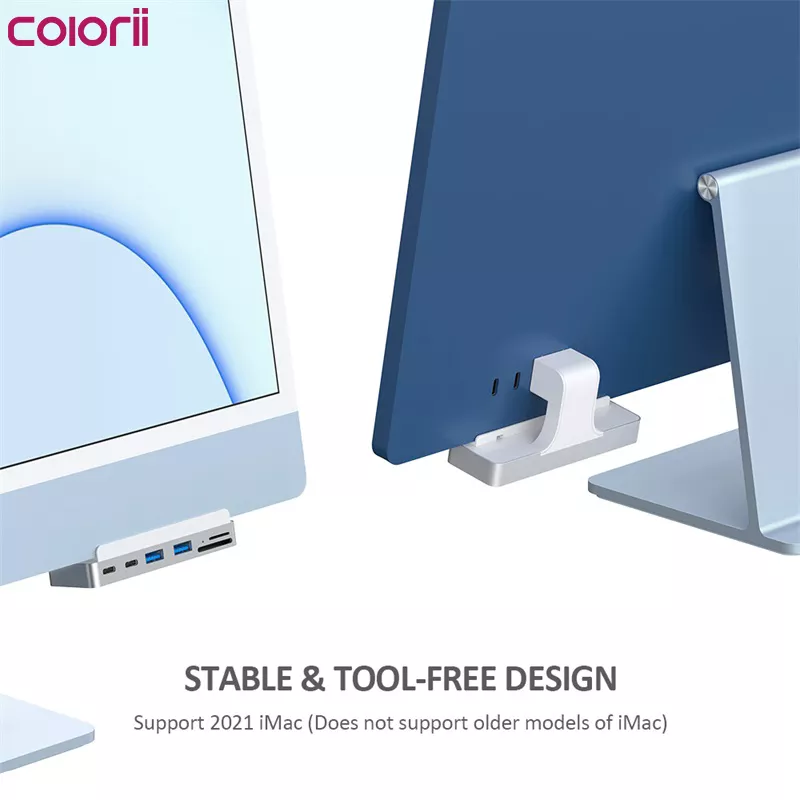
  • Designed For 2021 iMac: iMac clamp USB C hub exclusively designed for 2021 iMac (24-inch), the best solution for front access and addition to your iMac rear expansion ports
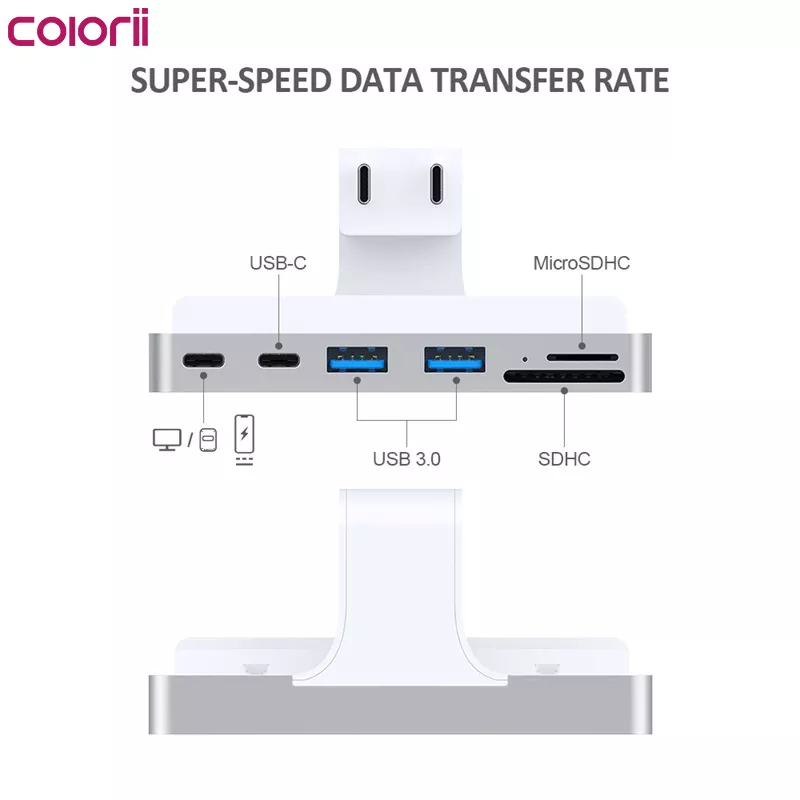
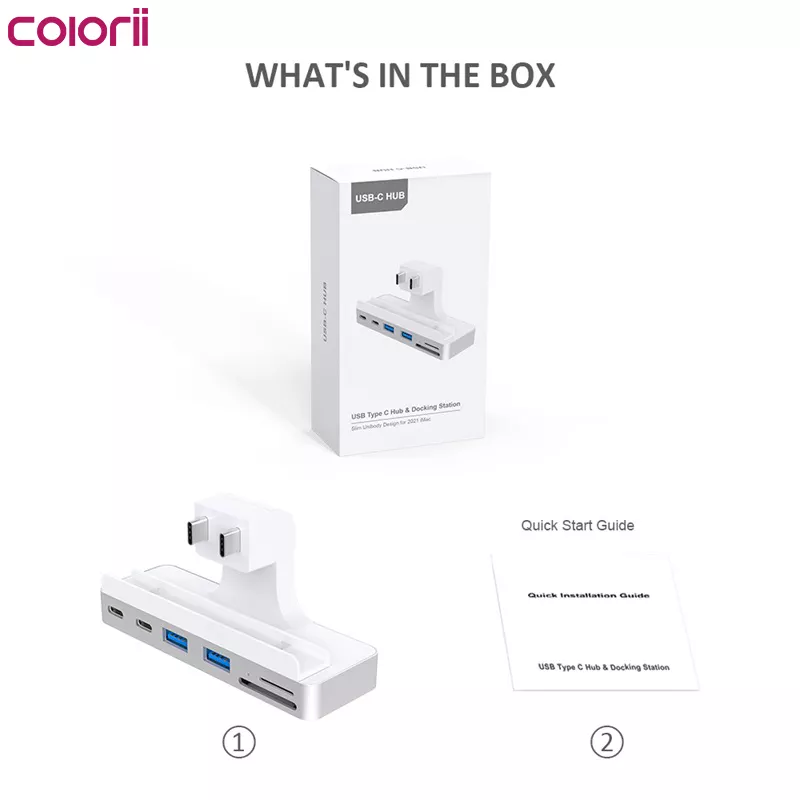
  • Multiple Interfaces: USB-C dock with 4K@60Hz HDMI port, 10Gbps & 6K@60Hz USB C 3.1 Gen2 port, 5Gbps USB C port, 2 USB3.0 ports, and 5Gbps SD/Micro SD Card Reader. *Note: SD/Micro SD Card can be read at the same time
  • Dual Screen Extension: With a rear 4K@60Hz HDMI 2.0 port, you can connect an external monitor for Mirror mode or Extended mode
  • High-Speed USB: Transfer files in seconds with 10Gpbs USB-C and 5Gbps USB-A. Also can charge phones, tablets, AirPods, and Apple Watch
  • Plug and Play: 1. Attach the fixing clip to the bottom of the iMac. 2. Align the hub with the retaining clip bayonet and insert it into the iMac interface. 3. Slide the fixing clip to the right from the front of the iMac to the center to lock the hub

Description

  • Designed For 2021 iMac: iMac clamp USB C hub exclusively designed for 2021 iMac (24-inch), the best solution for front access and addition to your iMac rear expansion ports
  • Multiple Interfaces: USB-C dock with 4K@60Hz HDMI port, 10Gbps & 6K@60Hz USB C 3.1 Gen2 port, 5Gbps USB C port, 2 USB3.0 ports, and 5Gbps SD/Micro SD Card Reader. *Note: SD/Micro SD Card can be read at the same time
  • Dual Screen Extension: With a rear 4K@60Hz HDMI 2.0 port, you can connect an external monitor for Mirror mode or Extended mode
  • High-Speed USB: Transfer files in seconds with 10Gpbs USB-C and 5Gbps USB-A. Also can charge phones, tablets, AirPods, and Apple Watch
  • Plug and Play: 1. Attach the fixing clip to the bottom of the iMac. 2. Align the hub with the retaining clip bayonet and insert it into the iMac interface. 3. Slide the fixing clip to the right from the front of the iMac to the center to lock the hub

Reviews

There are no reviews yet.

Only logged in customers who have purchased this product may leave a review.